
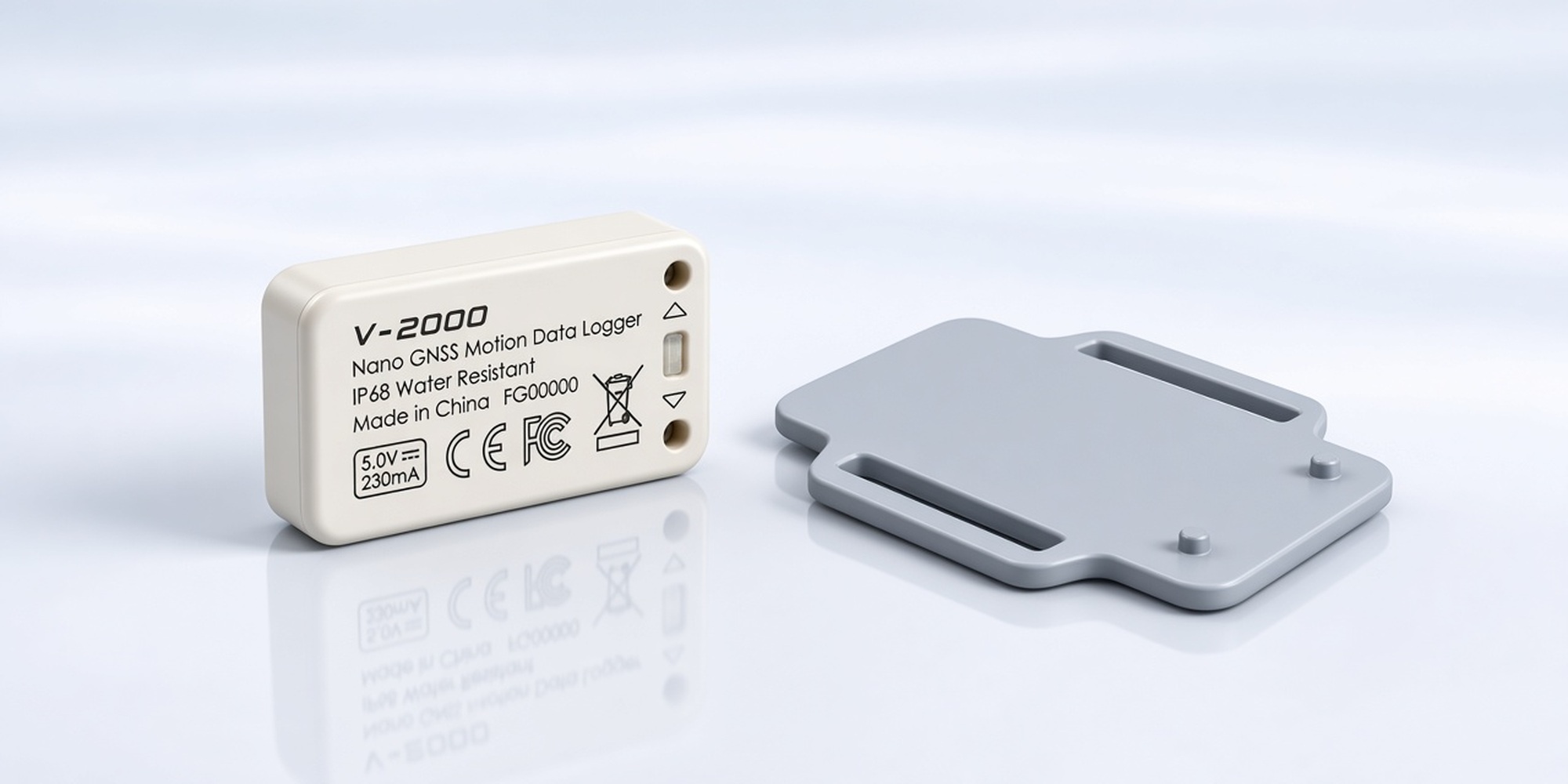
Researchers and field users often need to 3D-print custom mounts for the Columbus V-2000 — for animal collars, backpack harnesses, wrist bands, equipment platforms, and similar deployments.
This document provides the official device STEP model and two reference mounting-plate designs so you can design and print accessories that fit the V-2000 correctly. Use these CAD files as a technical reference and adapt them for your study protocol or field setup.
Note: These files are available here for download while the official documentation page is still being prepared. Dimensions and fit should always be verified against your physical unit before field use.
Device overview (for mount design)
| Spec | Value |
|---|---|
| Model | Columbus V-2000 Nano GNSS / motion data logger |
| Dimensions | 24.9 × 46.9 × 12.7 mm (0.98 × 1.85 × 0.50 in.) |
| Weight | 18 g (0.63 oz) |
| Housing | IP68 sealed; bottom side has dedicated mounting points |
When designing a mount, please keep these points in mind:
- Keep the top / sky-facing side clear — do not cover the GNSS antenna area with thick metal or dense material.
- Respect the mounting points on the bottom of the unit — the reference plates are designed around those features.
- Bonding method: the mounting plate and the V-2000 body are intended to be fixed with 3M VHB double-sided adhesive tape (not included). Choose a tape grade suitable for your temperature, humidity, and vibration environment.
- Weight budget: for animal-borne work, keep the printed part as light as practical (thin walls, light materials such as PETG / nylon where appropriate).
1) Official V-2000 body — 3D CAD model (STEP)
Use this file as the dimensional reference when designing any custom cradle, clip, case, or plate.
Download (STEP):
V-2000_3D_Model_V1.stp
Preview:
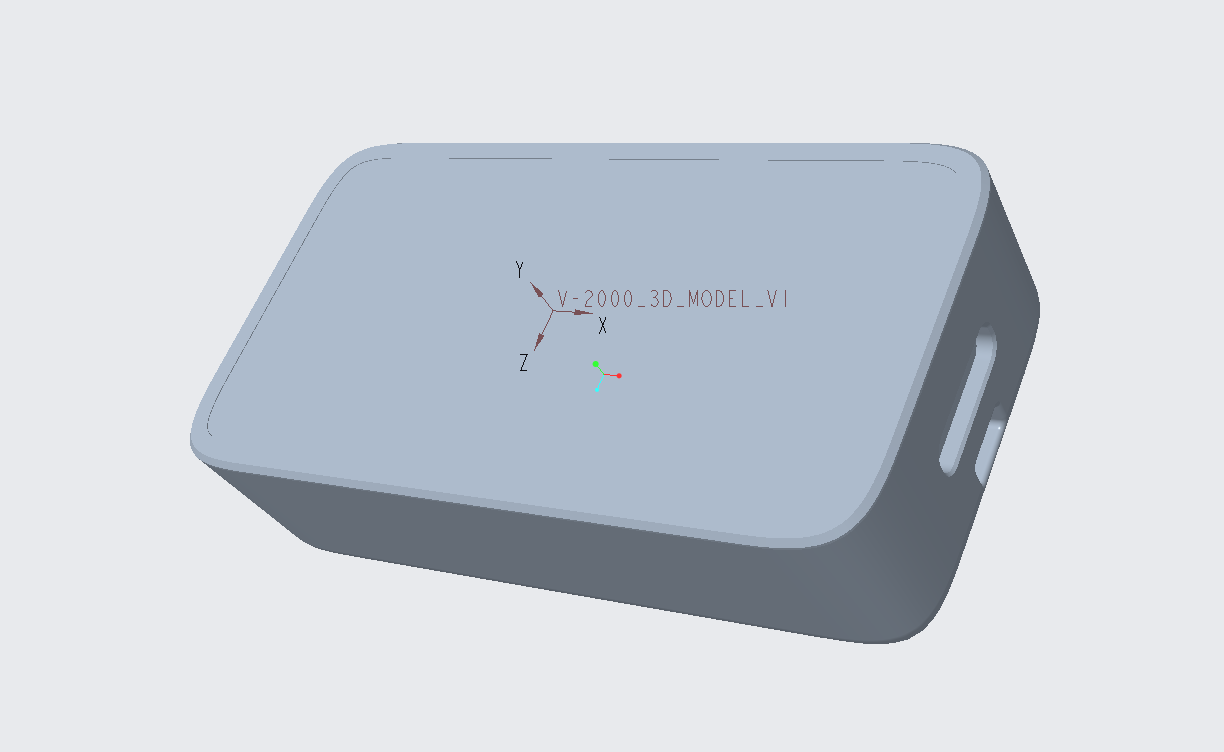
V-2000_3D_Model_V1.stp2) Reference mounting plate — Type A
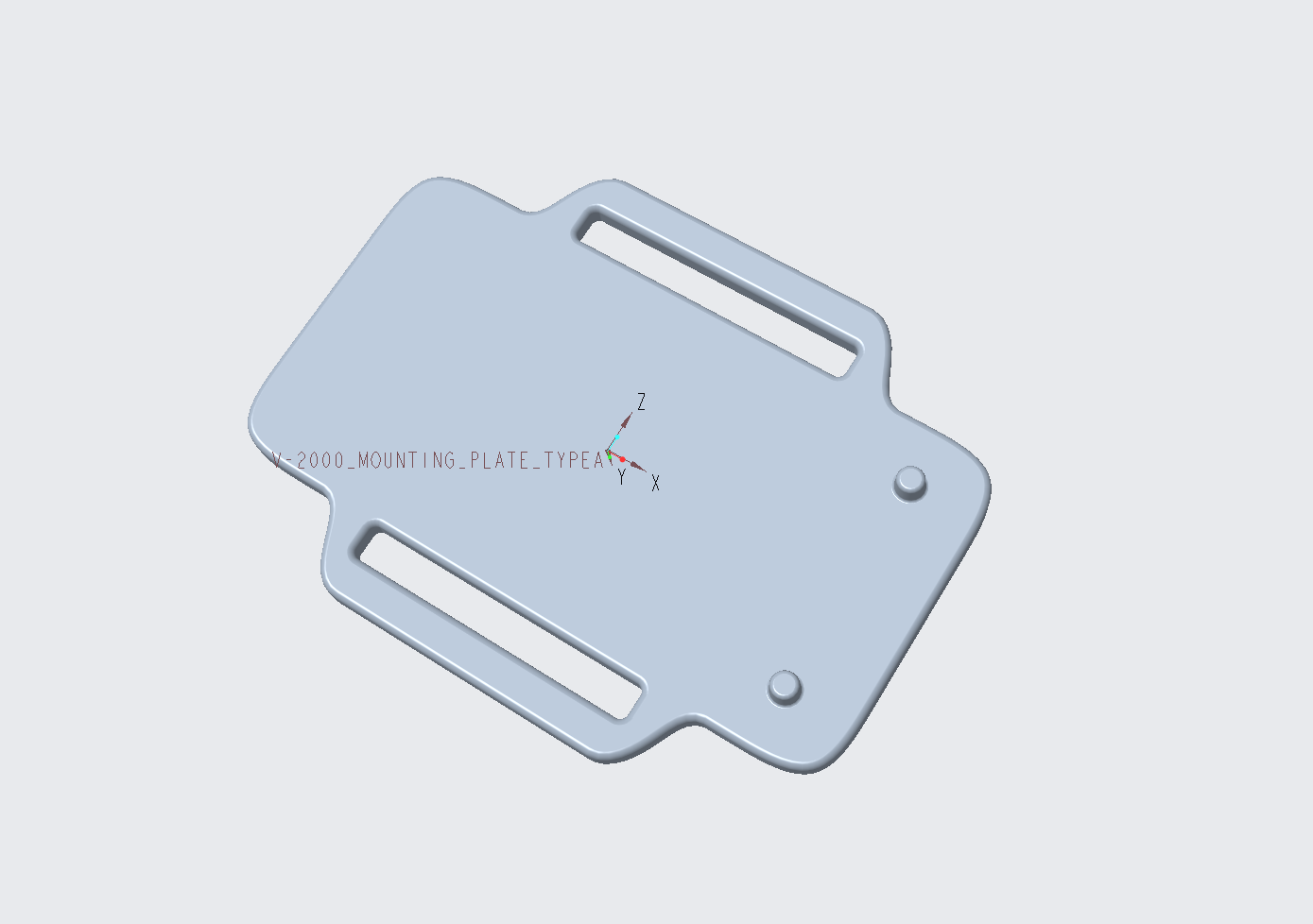
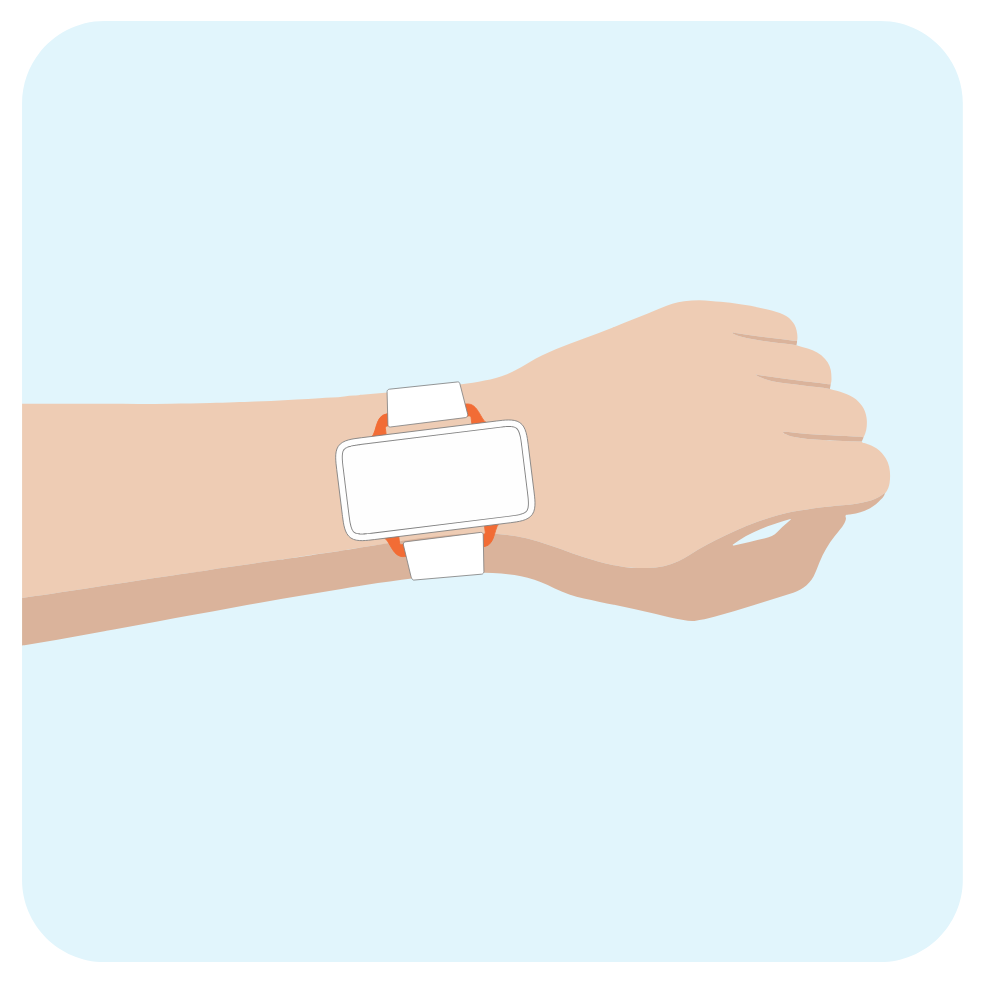
Type A is a slim backplate with strap slots along the long sides (wing-style cutouts) and two alignment pins that mate with the device mounting points. It is a good starting point for strap-through mounts (e.g. wrist / band-style deployments).
Download (STEP):
V-2000_Mounting_Plate_TypeA.stp
CAD preview:
Example application concept (wrist / band mount):
3) Reference mounting plate — Type B
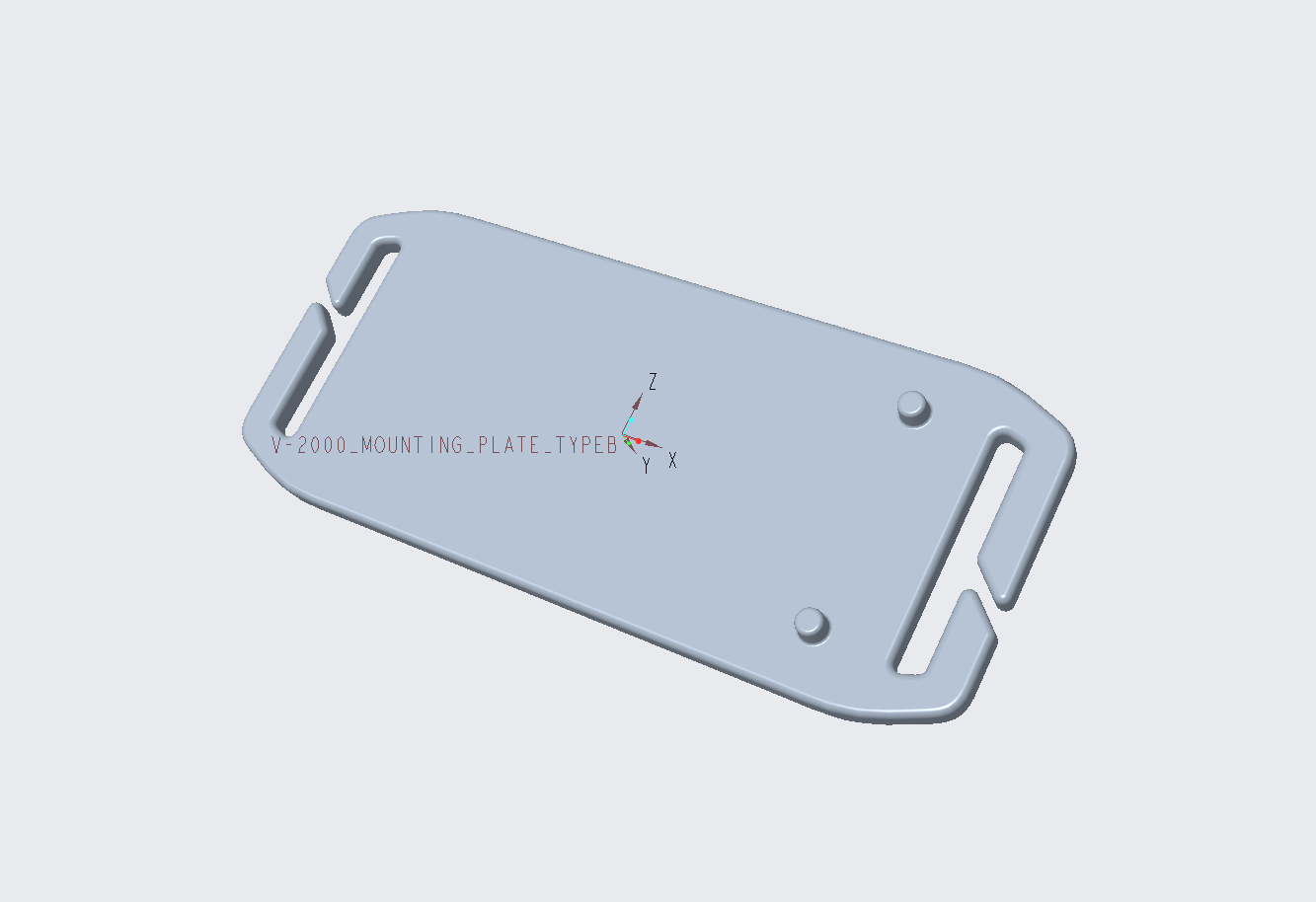
Type B is a slim backplate with strap slots at both short ends (including an open “gate” on each end for easier strap insertion) and the same style of alignment pins. It is a good starting point for collar- or harness-style deployments where the strap runs under the ends of the plate.
Download (STEP):
V-2000_Mounting_Plate_TypeB.stp
CAD preview:
Example application concept (animal collar):

How to use these files
| Step | Suggestion |
|---|---|
| 1. Import | Open the .stp files in Fusion 360, SolidWorks, FreeCAD, Onshape, or similar CAD software |
| 2. Adapt | Modify slot width, plate thickness, or add your own clips / backpack interface as needed |
| 3. Export for print | Export an STL/3MF from your CAD tool for slicing |
| 4. Print | Prefer materials with some toughness for field use; avoid brittle prints on animal mounts |
| 5. Assemble | Clean mating surfaces → apply 3M VHB between plate and V-2000 bottom → seat on the alignment pins → cure per tape instructions |
| 6. Verify | Confirm the unit is secure, buttons/USB-C remain accessible, and the antenna face is not obstructed |
For questions about fit, adhesive selection, or print settings, contact corp-sales@gpswebshop.com.
— GPSWebShop